

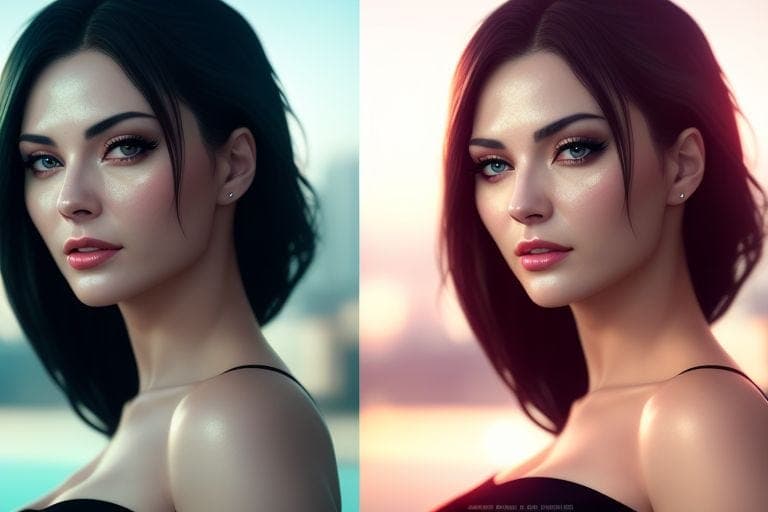
Unlock professional-grade face restoration and enhancement without spending a dime. This curated guide features powerful AI-based tools and resources designed to restore, sharpen, and enhance facial details in old, blurry, or low-resolution images.
Why use these tools?
- Restore damaged or low-quality portraits (old photos, low resolution, compression artifacts)
- Fix blur, pixelation, and visual noise (motion blur / low-light issues)
- Upscale faces and enhance fine details (eyes, skin texture, edges)
- Apply subtle smoothing or age-reduction effects (when needed)
Most Popular FREE Tools for Face Restoration
These are widely used tools that deliver strong results quickly for most portraits.
Additional Rare & Lesser-Known Tools
These tools are less common but can be powerful depending on your image type and goal.
Usage Tips (Best Workflow)
1) Restore first, then upscale
Use a restoration tool (GFPGAN/RestorePhotos) to recover facial details, then upscale using BigJPG or Upscale Media.
2) Old family portraits
For album photos, try RestorePhotos.io or VanceAI. Use Palette.fm if you need tasteful colorization.
3) Pixelated images
If images are heavily pixelated, test FaceDepixelizer and then run an SR model (DeepAI) for resolution recovery.
Open FaceDepixelizer4) Final touch-ups
For manual edits (similar to Photoshop), Photopea can help with detailed touch-ups after AI enhancement.
Open PhotopeaPro Tip
Try multiple tools on the same image: (1) restore ➜ (2) upscale ➜ (3) final touch-ups. Layering these effects often yields studio-quality results.
Enjoy & happy learning! These tools can revive old memories, restore portraits, and improve image quality—often for free or with generous trial limits.


Leave a comment
Translation missing: en.blogs.comments.discription